For iPhone · English, Français, العربية
Read your Quran first. Then your apps.
Ayah Lock keeps the apps you choose locked at the reading time you pick, until you have read today's wird. Read earlier in the day and you never see the lock.
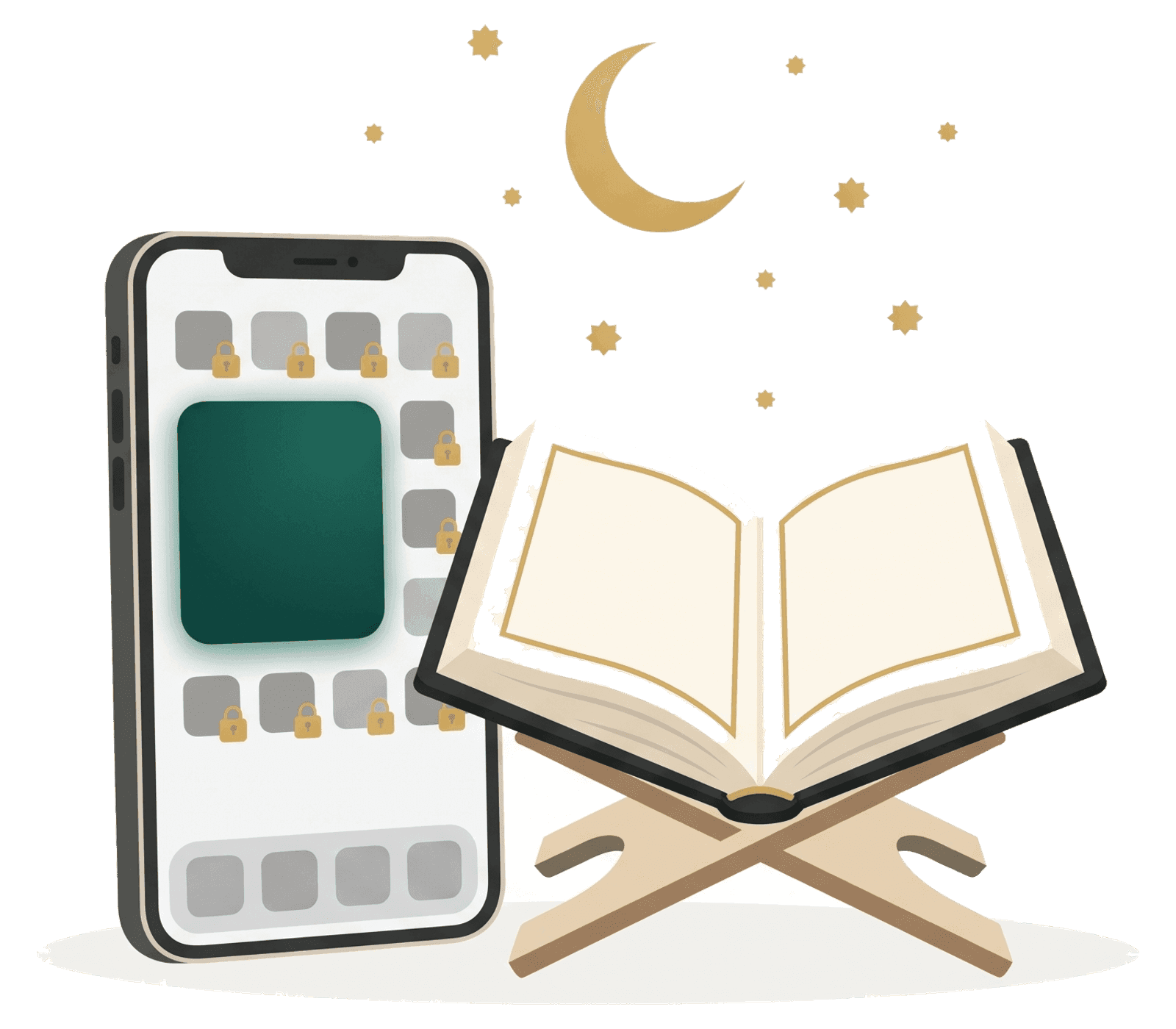
One small habit, every day
Set it up once. After that the app only asks for what you planned to do anyway.
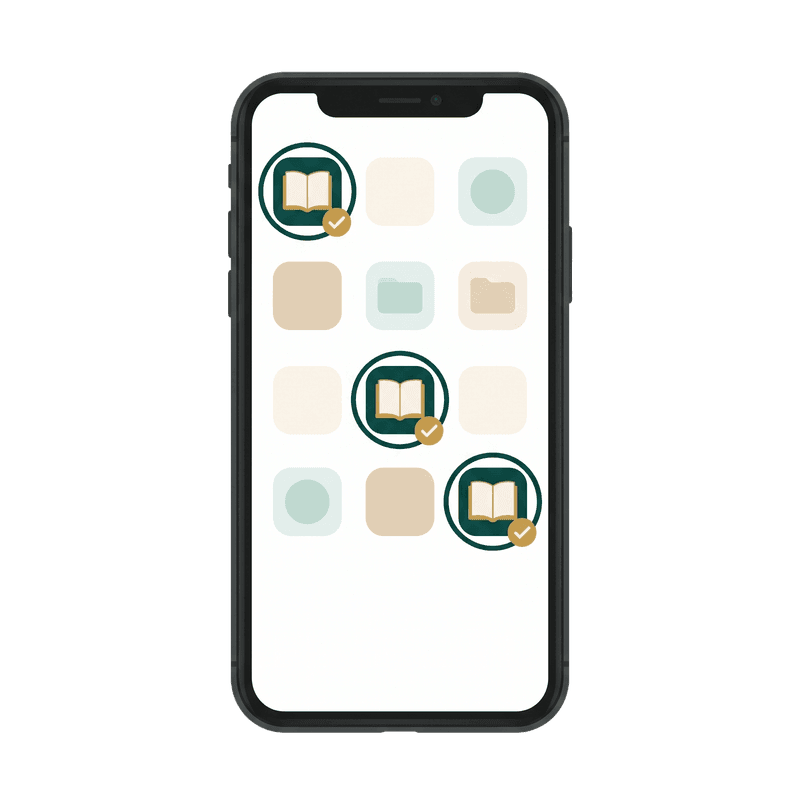
Choose your apps
Pick them with Apple's own Screen Time picker. We never learn which apps they are. Calls and messages are never blocked.

Pick your reading time
A clock time, or after a prayer. Until then your apps stay open. At that time, if you have not read yet, they lock.

Read, and they open
Your wird in pages, ayat or minutes, from your khatma or any surah. Done: every app opens for the rest of the day.
Made for reading, not for scrolling
The verified mushaf text
Hafs or Warsh, in the text and fonts of the King Fahd Glorious Quran Printing Complex. Large, clear, with dark mode.
Khatma progress and streaks
Every session continues where you stopped. Watch your khatma grow, one wird at a time.
Salah LockPro
At the adhan your apps lock until you tap “I've prayed” and finish the tasbih. Prayer times are worked out on your phone.
Fair when life happens
Three emergency unlocks a week, a pause for travel or illness, and a strict mode when you want no way out.
Your phone keeps it
No account needed, and it works offline. If you create one, it only keeps your reading progress and preferences safe when you change phone.
Read the privacy policy- We never see which apps you lock. Apple only gives us tokens that work on your phone.
- Your lock settings and your location stay on the phone.
- Delete your account from the app at any time, with everything on our servers.